Security beyond badges
Book a Demo →
Don't just trust us,
test us.
It's easy to verify that Cloudless runs fully offline. Turn off your wifi and dictation still works. Put it on a network monitor and you'll see no outbound traffic. Scan the signed binary with your EDR.
They read your screen, too.
Book a walkthrough →

Just as accurate,
without the risk.
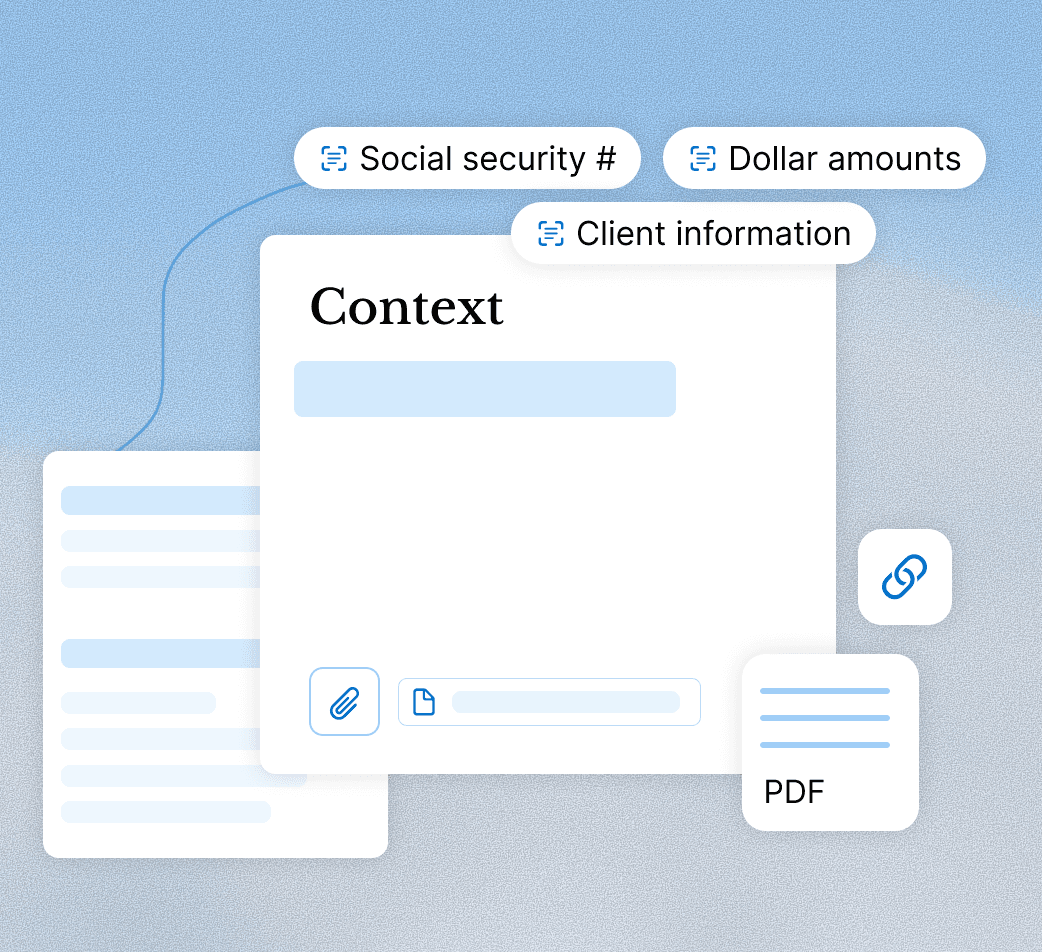
Across our benchmarks, Cloudless matches leading cloud dictation tools in transcription accuracy. This lets you give people what they’re asking for without increasing data risks. See the evals or try it yourself.
Try the app →
The features look similar. The security surface doesn’t. Here’s how they compare on the things your compliance team cares about.


FAQ
The questions compliance teams ask when they’re comparing cloud dictation tools. More questions? Check our dedicated security page.
Do recordings or transcripts ever leave the device?
No. Normal dictation and cleanup are processed locally on the device. Audio, recordings, and transcripts are not sent to Cloudless for transcription and are not stored in a Cloudless cloud database.
What security certifications do you have?
None yet — by design, not by gap. SOC 2 and similar audits focus on data flowing through servers, and Cloudless Voice doesn’t have a server in the dictation loop. As we build enterprise infrastructure, we’ll pursue the certifications relevant to it.
Are you HIPAA compliant?
Not yet, and we won’t claim it until it’s formally in place. Local processing removes much of the risk HIPAA is designed to manage, but it’s still a checklist we would walk through with you directly.
Do you sell data or train models on customer data?
No. Customer audio and transcripts are not sold and are not used to train anyone else’s model. Enterprise builds are designed to keep dictated content local and out of analytics, correction flows, and cloud processing.
What touches the network?
Expected outbound connections are limited to update checks, de-identified crash diagnostics, model distribution on Mac/iOS, and optional account or support flows. These connections never carry your audio, transcripts, or dictated content.
How do we deploy and manage it?
Windows enterprise builds are Authenticode-signed and distributed as a signed MSI for managed deployment. Mac builds are signed with an Apple Developer ID and notarized by Apple. Managed teams can control update schedule and rollout via MDM/RMM.
Which subprocessors or third parties are involved?
The Windows enterprise build uses only update hosting and crash diagnostics, and neither carries your content. Mac/iOS individual builds can also use model downloads, opt-in analytics, optional sign-in, and user-submitted correction requests.